Can you imagine trying to use Excel Subtotals to summarize a long column sales – listed by date? What would you subtotal? At every change in date?
This would be a nightmare! This would produce a useless report!
Pivot Tables, on the other hand, can provide a summary of dates by month, quarter, and year with just a few mouse clicks!
In this video lesson I show you how to produce that summary. The Pivot Table will transform a long list of data into information that you can use to analyze trends.
Here are the steps to follow in this lesson:
- Create a Pivot Table using all of the default settings. Drag the “Date” field into the ROW area and the “Sales” field into the DATA area of the Template.
- With 1 cell in the “Date” row selected, choose “Group & Show Detail, Group.” Select Year, Quarter and Month and click OK.
- You now have 3 ROWS in your Pivot Table – Year, Quarter & Month. Drag the Year field from the ROW up to the COLUMN area. Hide on of the “Grand Totals.”
- Click the Pivot Chart icon to create a Pivot Chart on a new worksheet. Filter the data fields.
- Move the Year field back to the Row area. Ungroup the fields to return to the starting point.
- To Group by WEEK: Choose “Group & Show Detail, Group” and select DAY. Then select 7 for the number of days in the week.
Find the Excel Training Video that you want – Index of all Excel Topics
Additional Pivot Table Resources
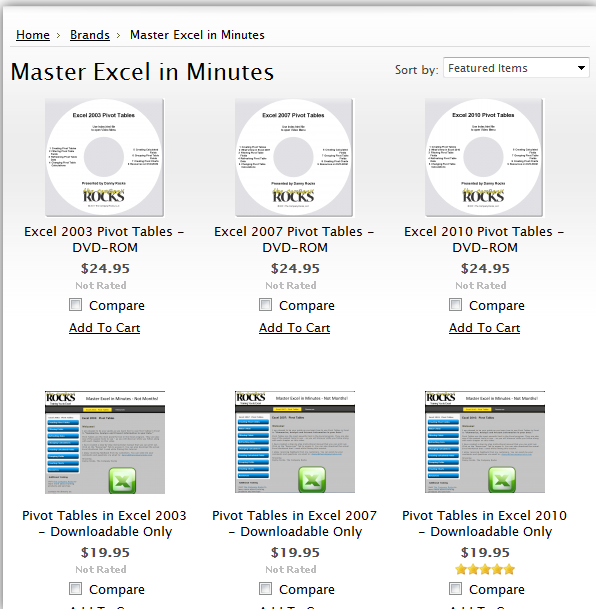
Pivot Table Training Resources
I have published a 90 minute focused video tutorial for Pivot Tables. It is available for each version of Excel -2010, 2007, and 2003. You can purchase it as either a DVD-ROM that I will ship to you or as a Downloadable version that you can work with immediately.
In addition to the 90 minutes of video instruction on Pivot Tables, the package includes:
- The Excel Practice Files that I used while filming the video tutorial – so that you can practice your new skills using the same files that are on the video.
I invite you to visit my secure online shopping website – http://shop.thecompanyrocks.com – to learn about the many training resources that I offer for sale.
- A Step-by-step Instructional Guide that you can print out – so that you can use it to take notes as you watch my video tutorial.
Related Video Lessons
- Introduction to Pivot Tables
- Hide & Show Details in Pivot Tables
- Create a Calculated Field in Pivot Tables
- Change the Quarterly Summary to a Fiscal Year in Pivot Tables
- Take a Video Tour of My DVD – “The 50 Best Tips for Excel 2007”



cool sitename man)))
————————
ad: http://xabul.ru/
Thanks this is exactly what I needed!
Thank you for taking the time to give me your feedback – greatly appreciated!
I am pleased that this was exactly what you were looking for.
Best,
Danny
Thank You!!!
My pleasure!
Thank you for adding your comment.
Danny Rocks